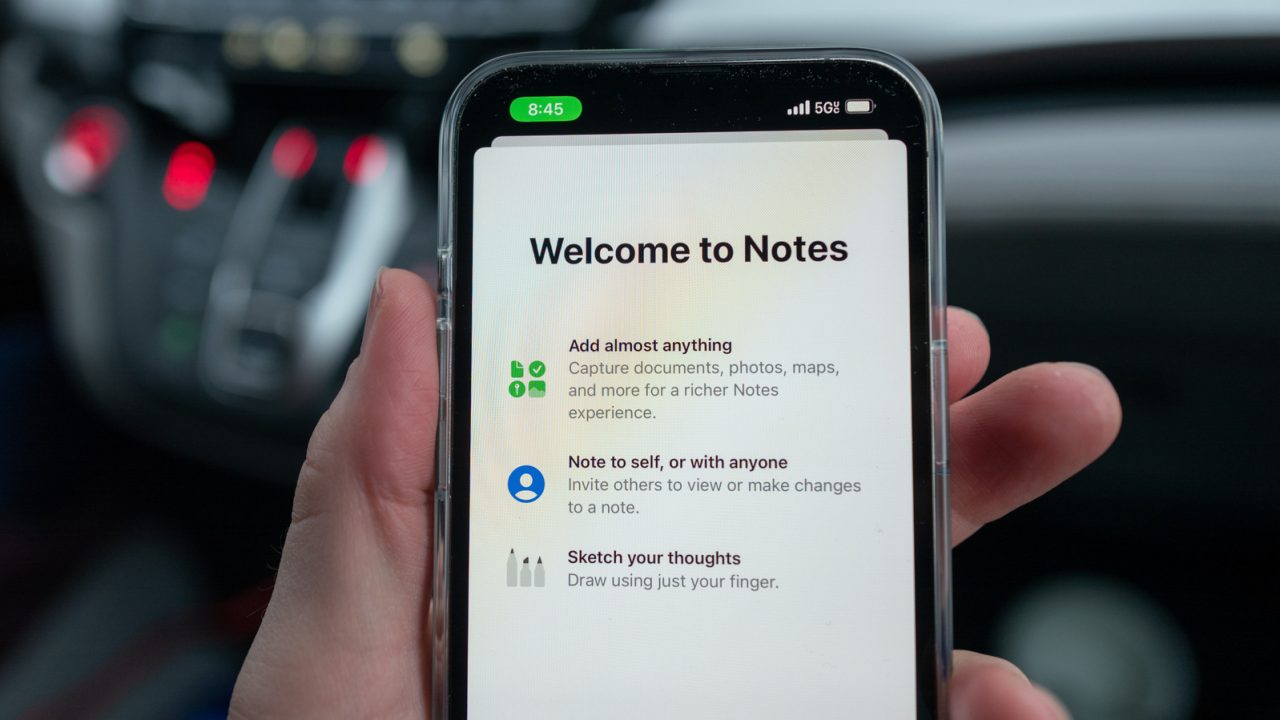
While the Notes app on iPhone is commonly used for grocery lists and short memos, Apple has integrated a wide array of advanced capabilities that go far beyond basic text entry. The application now functions as a multi-purpose productivity tool, capable of solving complex mathematical equations, plotting graphs, and even generating images from simple sketches.
Recent updates, including those in iOS 17 and iOS 26, have introduced features such as the reed pen for calligraphy and improved document formatting options. However, several of the most powerful capabilities rely on Apple Intelligence, which requires specific hardware. To access these AI-driven features, users need an iPhone 15 Pro, iPhone 15 Pro Max, or any model from the iPhone 16 series or later.
One of the most significant upgrades is the integration of Math Notes. Since iOS 18, users can type equations directly into a note, and the app automatically calculates the result. This functionality extends to variables; if a value changes later, all dependent calculations update automatically. Additionally, users can plot graphs directly within the note by typing an equation starting with ‘y =’ and selecting the insert graph option.
The app also serves as a digital scanner. Through the attachment button, users can scan physical documents, with the system automatically cropping and straightening pages. In auto mode, the phone detects edges to capture images without manual shutter interaction. These scans are saved as PDFs, supporting digital signatures that can be drawn and placed directly onto documents, eliminating the need for physical printing.
For meeting and lecture attendance, Notes can record audio and generate searchable transcripts. On devices equipped with Apple Intelligence, the app can summarize these recordings, providing key points without requiring a full review. This feature allows users to keep notes, whiteboard photos, and audio recordings consolidated in a single file, reducing the need to switch between multiple applications like Voice Memos.
Apple has also enhanced creative tools within the app. The Image Wand feature allows users to sketch rough concepts and use Apple Intelligence to generate polished, photorealistic images based on the doodle and accompanying text descriptions. Since iOS 27, these AI-generated images are marked with a SynthID watermark to indicate their origin.
Collaboration features have also been refined, allowing users to share specific notes or entire folders with others for real-time editing. This functionality is particularly useful for group projects or household lists, with activity trackers showing who made specific changes. In iOS 27, shared notes are more accessible, featuring a dedicated folder at the top of the list.
Writing tools powered by Apple Intelligence can proofread, summarize, and reformat text, including converting paragraphs into tables or lists for better organization. Furthermore, the app now supports advanced formatting options such as collapsible headings, colored highlights, and divider lines to manage long documents. A new reed pen tool, introduced in iOS 26, mimics traditional calligraphy instruments, allowing strokes to vary in thickness based on direction, which is useful for creating personalized invitations or artistic notes.


Collaboration folders are great for household chores. My wife and I finally stopped arguing about the shopping list.
I have an iPhone 15, so no Apple Intelligence features. Feels like a second-class citizen here.
The reed pen tool for calligraphy sounds interesting. I wonder if it actually feels natural on the screen.
Does the audio transcription work offline, or do I strictly need an internet connection for that summary feature?
The SynthID watermark on AI images is a smart move. Finally, some transparency regarding generated content.
I only use it for grocery lists. Never realized it could scan documents and add digital signatures like that.
Wait, Notes can actually solve equations now? That is a massive feature I completely missed while studying.