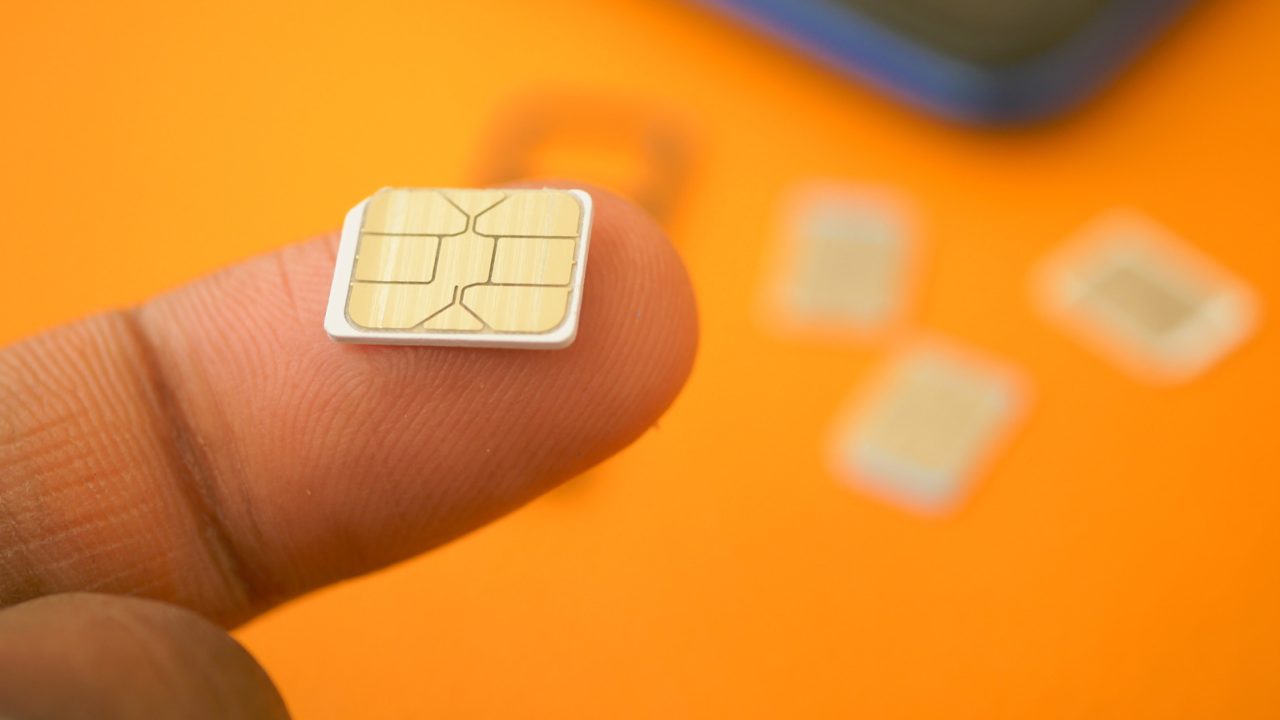
When a smartphone displays a “No Service” message or indicates that no SIM card is installed, users may lose access to essential cellular features such as calling and texting, even if the device itself powers on normally. A Subscriber Identity Module (SIM) card serves as the secure link between the user and the mobile network provider. Resolving these connectivity issues often involves simple physical adjustments or software settings.
The most common cause of this error is a poorly seated SIM card. This frequently occurs after the device has been dropped or recently serviced. Users can resolve this by using a SIM ejector tool, a paperclip, or a safety pin to remove and reinsert the card, ensuring it sits correctly within the tray.
Alternatively, the issue may stem from a broader network problem. If other devices on different carriers can connect to the internet while yours cannot, it likely indicates a localized carrier outage. Checking with family or friends who use the same service provider can help confirm whether the network is down in the area.
For users relying on digital eSIMs, international travel can sometimes trigger connectivity glitches. Adjusting data roaming settings may resolve these errors. On iPhones, eSIM settings are found under Cellular or Mobile Data, whereas Android users should look for the SIM Manager section. Toggling airplane mode on and off is also a standard software fix that can refresh the network connection without affecting personal files.
Finally, users should verify that their mobile account is active. An overdue bill or suspended service will prevent the SIM card from connecting to the carrier’s network. If the account is in good standing and the SIM is properly seated, the problem may simply be a dead zone or blocked cellular tower, requiring movement to a location with better signal strength.


Good tips. I was about to buy a new phone but it was just a bad SIM connection.
This article missed one thing. Sometimes restarting the whole phone actually works better than just toggling modes.
Why do eSIM settings vary so much between Android and iPhone? It would be nicer if they matched.
Carrier outages are so common now. My neighbors all complained about the same issue yesterday.
I hate using paperclips to eject SIMs. I always feel like I am about to break the tray.
Checking the account status is obvious, but people forget it happens after billing cycles change.
Sometimes you just need to walk outside. Dead zones in buildings are surprisingly common and frustrating.
Do eSIMs really glitch when traveling? I never noticed any issues with mine during recent trips.
My SIM was just loose after I dropped my phone last week. Reinserting it fixed everything.
I did the airplane mode trick and it worked instantly. Always try that first before blaming the carrier.