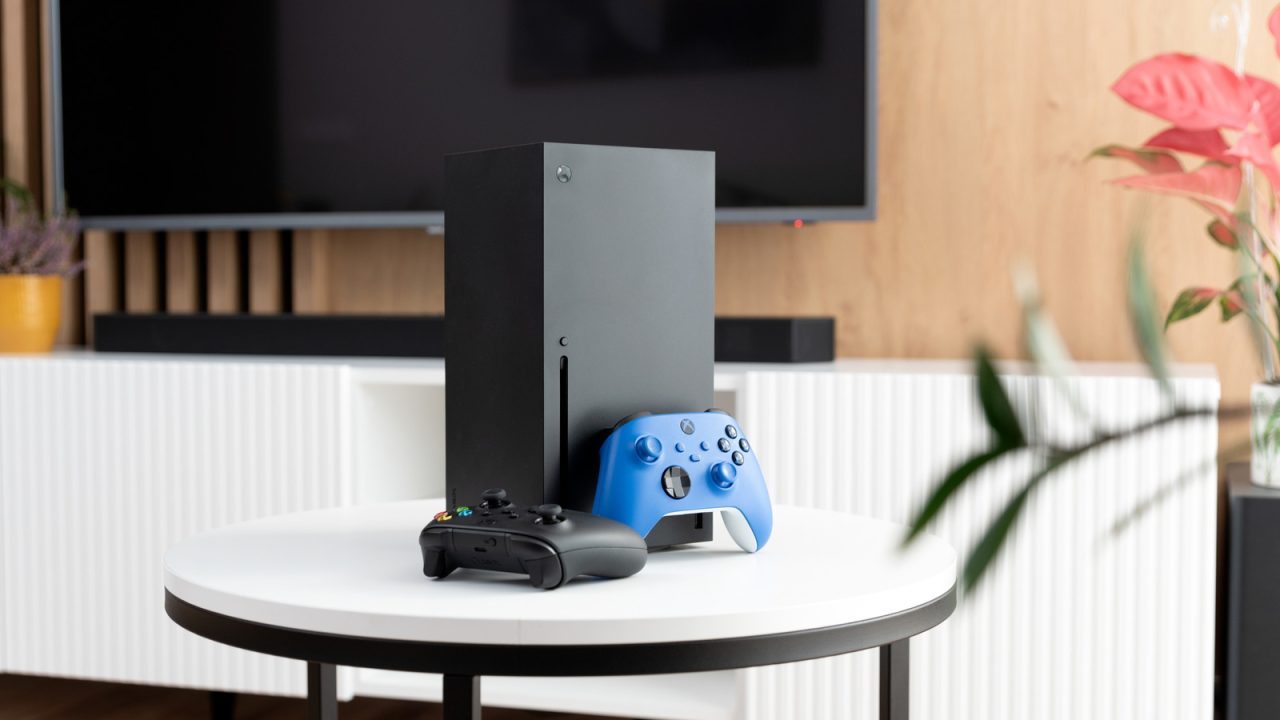
Gamers seeking the highest visual fidelity from their Xbox Series X may be inadvertently limiting their console’s performance by using an incompatible HDMI input on their television. While many modern displays advertise HDMI 2.1 support, manufacturers often designate only specific ports for this standard, meaning a device plugged into the wrong slot will not access features like 4K resolution at 120 frames per second or Variable Refresh Rate (VRR).
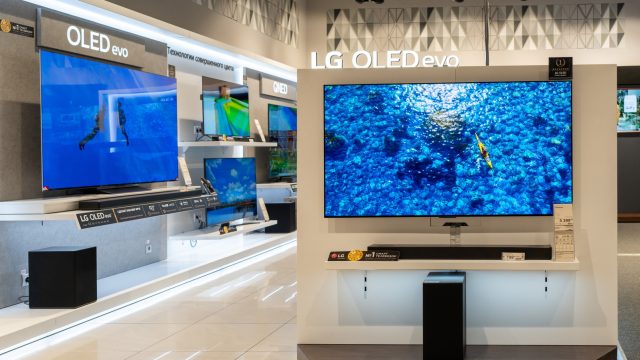
To determine if their setup is optimal, users are advised to consult their television’s online manual or inspect the port labels on the back of the display. Premium high-end models, such as recent OLED or MicroLED panels, frequently equip all HDMI inputs with 2.1 capabilities. However, more budget-friendly or slightly older models often restrict HDMI 2.1 compatibility to just one or two specific ports. For instance, some Sony Bravia units typically reserve these ports for inputs three and four, while other brands may vary. If a TV only supports HDMI 2.0, the maximum output from an Xbox Series X is limited to 4K at 60 fps or 1440p at 120 fps.
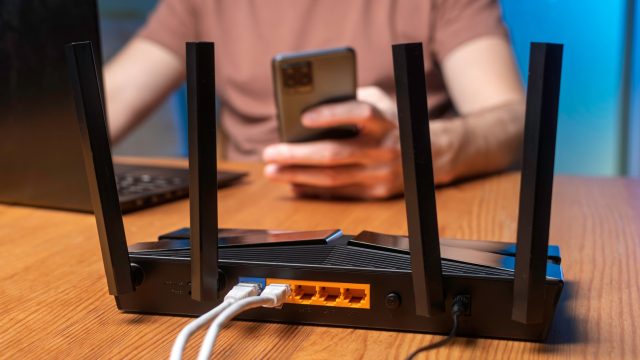
Most users do not need to replace the cable included with their console. The Ultra High Speed HDMI cable provided by Microsoft is fully compliant with HDMI 2.1 standards and is sufficient for the vast majority of setups. The standard cable measures six feet, which accommodates typical living room arrangements. Exceptions exist for users who require longer distances or who have wall-mounted TVs that make standard connectors difficult to access; in these cases, an extended or low-profile cable that is explicitly certified for HDMI 2.1 is recommended. Experts caution against purchasing so-called ‘premium’ cables, noting that they are often overpriced and offer no performance benefit over standard compliant cables.
When the correct hardware is in place, the number of titles capable of running at 120 fps on current-generation Xbox consoles is substantial. According to data from Pure Xbox, various modern first-party and third-party titles support high frame rates. However, there is usually a trade-off involving resolution. While some upgraded legacy titles can achieve 4K at 120 fps, many current releases, including *Indiana Jones and the Great Circle*, *Forza Horizon 6*, and *Doom the Dark Ages*, are locked at 60 fps on consoles. Shooters such as *Call of Duty: Modern Warfare 4* support 120 fps but typically utilize dynamic resolution scaling, which may lower the visual clarity to 1080p or 1400p to maintain the higher framerate. Ultimately, maximizing the Xbox Series X’s visual output requires ensuring that both the connected display and the specific HDMI port in use are capable of handling HDMI 2.1 signals.
Simple fix. I will check my ports tonight. Who knew swapping cables could change the visual clarity this much.
Forza Horizon six locked at sixty? That is disappointing considering how high framerates are the goal for racing games.
Do older PS5 consoles also have this specific port limitation issue or is it just an Xbox quirk?
Glad the article mentioned low profile cables. My wall mounted TV setup required a specialized connector to make it work.
Dynamic resolution scaling in shooters is annoying. I would rather have sixty stable frames than jittery one hundred and twenty.
I checked my manual today and realized my gaming port was actually input five, not four. Surprising.
The section on avoiding expensive cables is great advice. Retailers mark those up way beyond their actual value.
Who needs one hundred and twenty frames per second anyway? Sixty feels smooth enough to me personally.
Finally, an article that explains the port labels clearly. I always confuse input three and four on my Sony.
Spent years blaming my TV for stuttering when it was just a cable issue. Good to know the included one works fine.