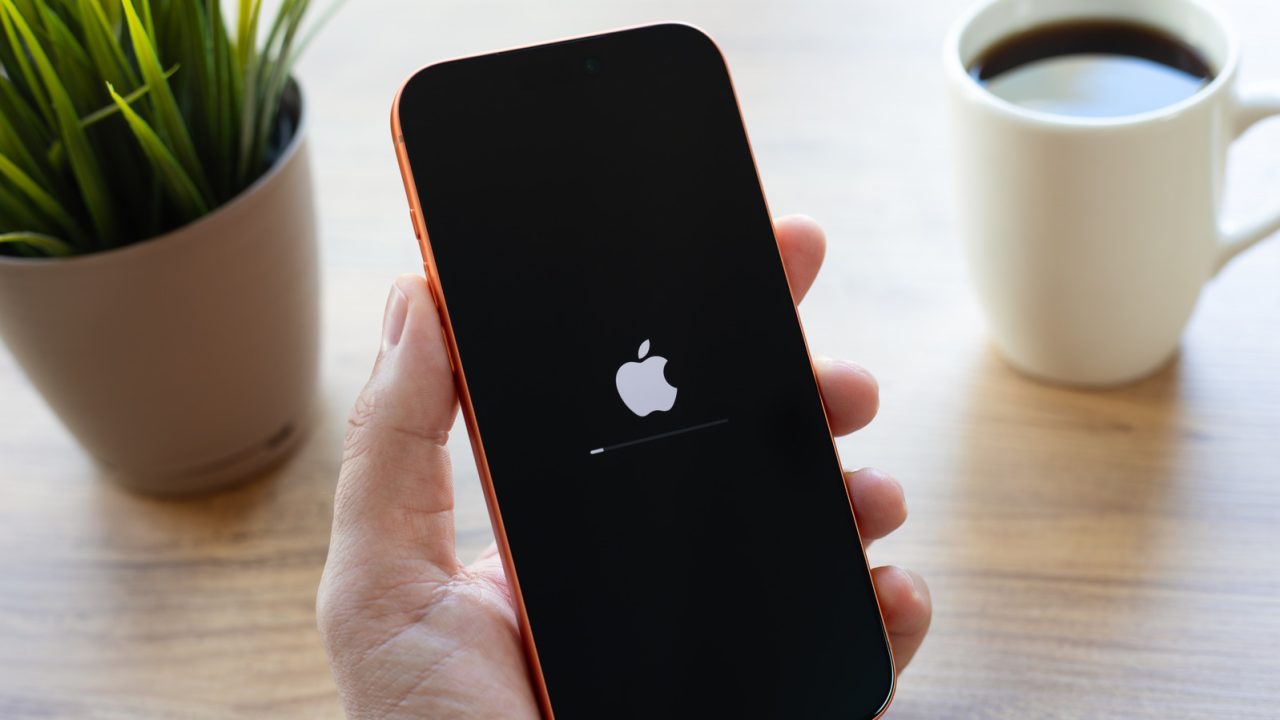
Unplanned shutdowns on iPhones can be frustrating, especially given the tight integration of Apple’s hardware and software. While software glitches are a common culprit, underlying hardware failures or environmental factors can also trigger these events, sometimes as a protective measure to prevent further damage.
Software issues severe enough to crash the system typically involve memory access errors or coding flaws. Although malware is a theoretical risk, it is highly unlikely to be the cause on a standard iPhone. A more frequent trigger is temperature regulation. When internal heat rises to critical levels, the device may throttle performance or shut down completely to protect its components. While extreme cold can also cause failures, overheating is the more common issue observed by users.
Battery health is another critical factor. A degraded battery may struggle to supply consistent power during high-demand activities, leading to a phenomenon known as battery sag or voltage drop, which forces the phone to power off to prevent component damage. Less commonly, failures in routine sensor checks required every 180 seconds can also initiate a defensive reboot.
To minimize these issues, users should keep their operating system and applications up to date. This can be managed through Settings > General > Software Update for iOS and the App Store for applications. Preventing heat-related shutdowns involves avoiding prolonged sun exposure and limiting continuous use of intensive features like 4K video recording or heavy gaming.
Users should also monitor battery capacity via Settings > Battery > Battery Health. If the maximum capacity falls significantly below 80 percent, a battery replacement may be necessary. Additionally, ensuring the device has sufficient free storage space helps maintain performance. If these steps do not resolve the shutdowns, consulting an Apple Store or authorized service provider is recommended to check for internal hardware defects.
Good reminder about storage space. I always forget that a full disk can actually cause these weird shutdowns.
Is it really the battery? I bought my phone two years ago, so I assumed it should still be fine.
I thought my phone was haunted. Turns out it just hates when I leave it on the car dashboard in the sun.
My iPhone 12 does this every time I play games. Updating iOS didn’t help, but swapping the battery fixed it completely.