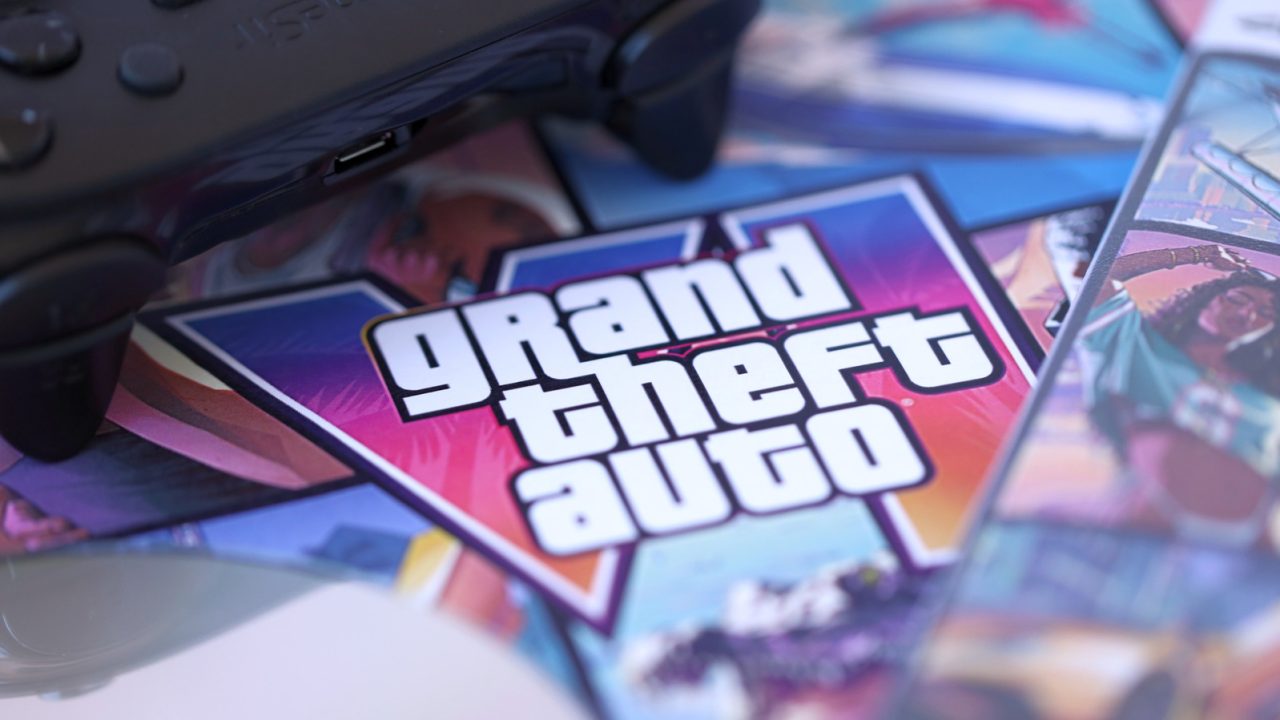
Grand Theft Auto VI is scheduled to release on November 19 for PlayStation 5 and Xbox Series X/S. For Xbox owners, specific configuration changes are recommended to fully utilize the console’s capabilities, as the title carries the “Optimized for Xbox Series X|S” badge. This designation indicates that the game relies heavily on the hardware’s advanced features, making certain settings more critical than usual.
Microsoft advises users to first verify their TV connection by navigating to Settings > General > TV and Display Options > 4K TV Details. Green checkmarks in this menu confirm that the connection supports the console’s best features, which generally require an HDMI 2.1 connection. Users should check which specific HDMI ports on their television support 2.1 to ensure the Xbox is connected to the correct input.
In the same Video Modes menu, players should enable “Allow variable refresh rate” (VRR) and “Allow auto low latency mode” (ALLM). VRR allows the TV to synchronize its refresh rate with the Xbox’s frame output, reducing screen tearing and stutter. ALLM automatically switches the TV to game mode, minimizing post-processing delays for a more responsive experience.
To enhance visual quality, users should check “Allow HDR10” and run the “Calibrate HDR for Games” tool to fine-tune brightness and detail for their specific screen. Additionally, the Xbox Series X and S support Dolby Vision for gaming, which works best when paired with VRR and ALLM. Grand Theft Auto VI will support calibrated Dolby Vision at launch. Players are encouraged to check their TV’s display and audio settings to confirm compatibility with these Dolby formats.
A crucial requirement for optimized games on Xbox Series X/S is installation location. Titles with the optimization badge can only be played from the internal solid-state drive (SSD) or an official storage expansion card. While an external USB drive can store game files, the game will not launch unless it is fully installed on internal storage or an official expansion card.
Given that Grand Theft Auto VI is reported to be approximately 212GB in size, storage management is essential, particularly for Xbox Series S owners with lower-capacity internal drives. Users can free up space by deleting unused games or moving files to USB storage via the Settings > Storage menu. Preloading for the game began on November 10, so pre-orders are advised to initiate the download in advance to avoid last-minute setup delays on launch day.

Is VRR really that noticeable in open world games? I always wonder if it makes a huge difference.
Finally, Dolby Vision in games! My TV setup is ready, just waiting for the launch date.
212GB is going to be a nightmare for anyone with a Series S. I hope they update the SSDs.