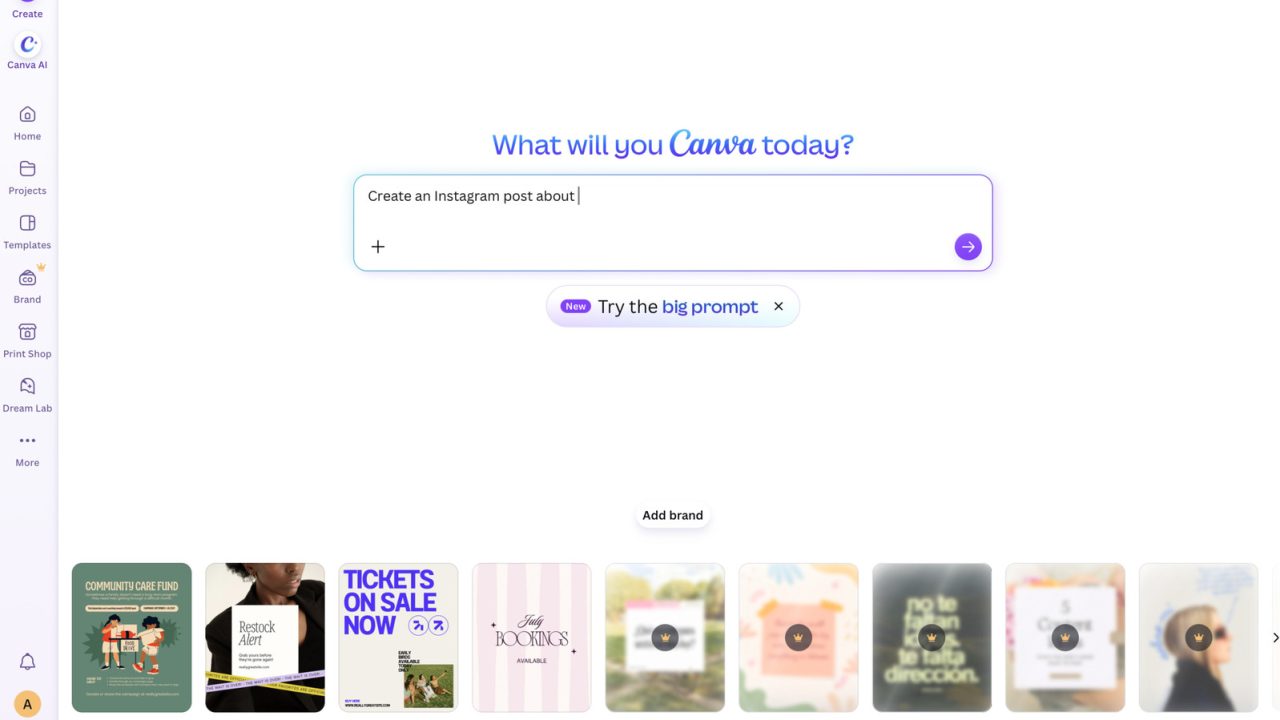
Canva is rolling out new configuration options that allow users to disable most of its generative artificial intelligence features. The design platform, which has integrated various AI tools over the past year, now gives both free and Pro users the ability to control their AI experience through two specific settings found in the profile tab.
The first setting, located under the “permissions” section of the settings menu, is labeled “Enable generative AI features.” This toggle allows users to switch all generative AI capabilities on or off for their account. A second option, accessible via “Your Account” and the AI personalization section, allows users to reduce the frequency of AI-generated content appearing in their image library searches. Canva noted that this library setting will lower the probability of seeing AI-generated images in results but will not completely block them.
Despite the new controls, certain AI-powered editing tools will remain available even when the broader generative AI features are disabled. Tools such as the Background Remover and Magic Grab continue to function because they rely on analyzing existing image content rather than generative AI models. Consequently, using these specific tools does not add an AI tag to the metadata of the resulting images. Users can adjust these preferences to tailor their workflow according to their preferences regarding AI integration.


I love that they kept the metadata clear. It helps me trust that my images are original.
Hilarious how we needed permission to not use AI. The design space feels much more human now.
Can anyone explain the difference between the two settings? I am confused about which toggle does what.
Good to see big platforms acknowledging that not everyone wants AI baked into their creative workflow. Respect.
I am skeptical. Saying it lowers probability is not the same as blocking it entirely. Be careful.
Wait, so the background remover still works? That is helpful for my quick photo edits without AI generation.
Finally. I have been asking for this switch since last year. Thank you for listening to users.
Does this mean my portfolio stays clean? I worry about unrequested AI images cluttering my saved resources.
This is a great move. I appreciate having the option to opt out of the constant AI suggestions.