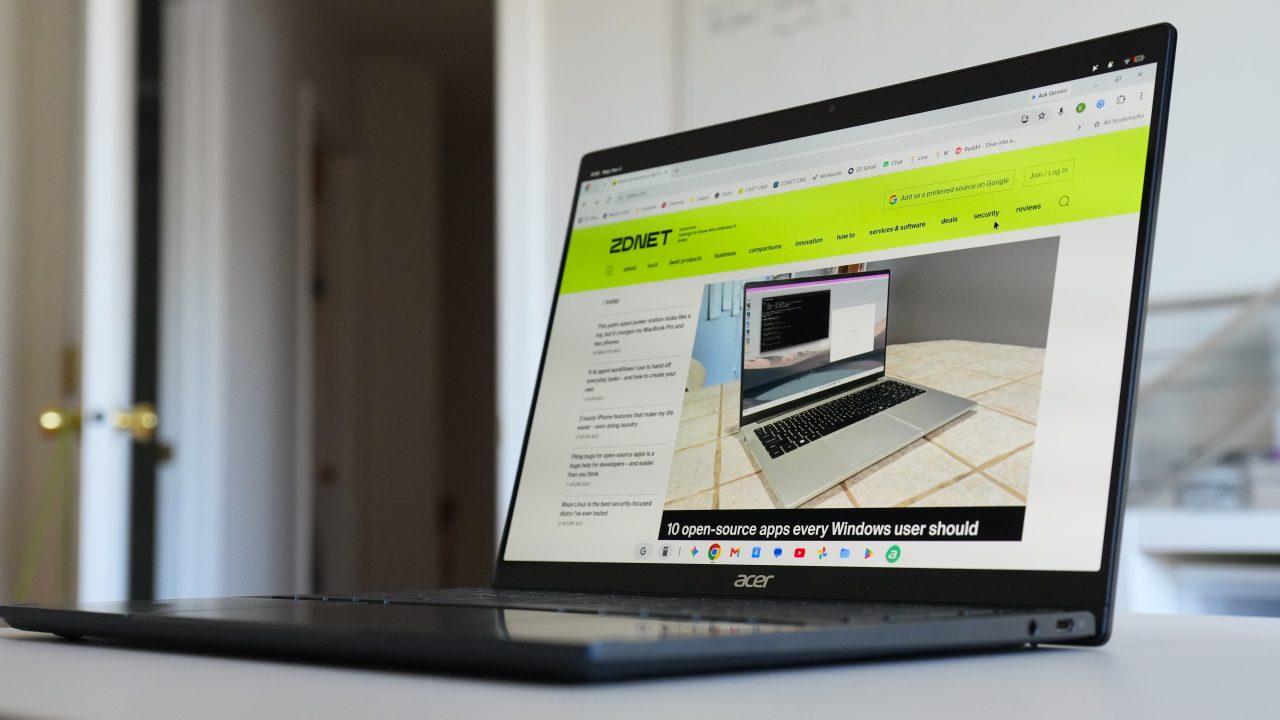
Google released the Chrome M157 update for Googlebook OS on Monday, introducing a suite of new features designed to enhance browser performance and user workflow. The update specifically addresses areas where the new hardware and operating system ecosystem previously lacked functionality found in other major web browsers.
One significant addition is a tab-sharing control bar that appears during video calls. This persistent bar allows users to stop sharing or switch to a different tab without repeatedly initiating and terminating the screen share, streamlining the presentation process.
Users can now also auto-expand vertical tabs when hovering over the collapsed rail. This feature, which is enabled by default, allows for quick reading of tab titles and easier management of tab groups. The browser also permits manual resizing of the vertical tab bar to accommodate longer page titles, a setting that persists across sessions.
Navigability within the browser has been improved by allowing individual Chrome Settings subpages, such as privacy settings, to be saved as direct web addresses. Users can now bookmark these URLs or use the back and forward buttons to navigate between settings pages directly.
Additionally, the ‘Save As’ file picker is now enabled by default for actions like saving links or images. This allows users to more easily rename files and select specific destinations, including external storage or Google Drive, without needing to manually change the default save behavior.
The update is available for users who have automatic updates enabled. For those who have disabled this feature, Chrome can be manually updated through the browser’s menu by navigating to Help, selecting About Google Chrome, and clicking the Relaunch button if available.



The tab sharing control bar sounds like a lifesaver for frequent presenters. No more awkward re-sharing every time you switch slides.
Did anyone check if the resize setting persists after a reboot? Hoping it doesn’t reset to default width daily.
Finally, a feature set that actually keeps up with the hardware. Googlebook users have been left behind for too long.
Skeptical about the file picker change. Some of us prefer the speed of the default save destination without popups.
Can I save settings pages as URLs now? That is surprisingly useful for quick navigation between privacy and history sections.
Vertical tabs auto-expanding on hover is brilliant. I hate squinting at tiny icons and this fixes that annoyance perfectly.
The tab sharing bar during calls sounds like a lifesaver for frequent presenters. No more awkward re-sharing every time you switch slides.