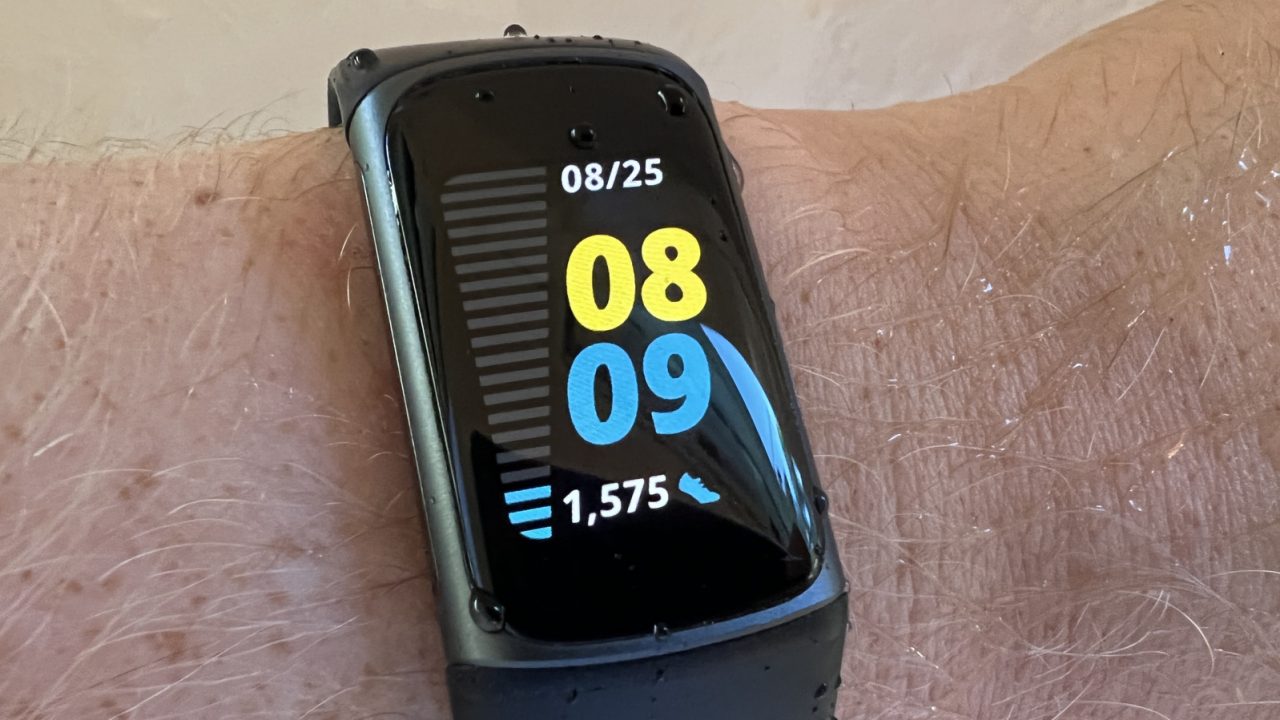
Fitbit wearables typically offer a battery life ranging from four to 10 days on a single charge, with the latest Fitbit Edge and Fitbit Air models rated for up to seven days. To maintain optimal performance, users are advised to use the proprietary charging cable provided with the device. While third-party replacements exist, manufacturers recommend purchasing replacements directly from official channels such as Google or Amazon if the original charger is lost.
Adjusting display settings significantly impacts battery endurance. On models including the Charge 5 and 6, Inspire 3, Sense 2, and Versa 2 and 4, the always-on display feature can reduce battery life to three days per charge, while on the Fitbit Edge, it may drop to just two days. To conserve power, users should dim the screen brightness when indoors, select shorter screen timeouts, and avoid animated clock faces that consume additional energy.
For devices equipped with GPS, limiting the use of this feature is crucial, as it drains the battery rapidly. The Fitbit Edge provides up to 10 hours of GPS usage, the Charge 4, 5, and 6 offer five hours, and the Sense, Sense 2, Versa 3, and Versa 4 models support up to 12 hours. Where available, users can opt to use their phone’s GPS instead of the tracker’s built-in unit or disable it entirely when not needed.
Software maintenance and notification management also play a role in preserving battery health. Keeping the device updated and restricting alerts to essential functions like calls and messages, rather than all app notifications, helps reduce drain. Additionally, limiting the use of features such as music controls, navigation, on-wrist calls, and contactless payments, as well as turning off continuous SpO2 tracking, can further extend charge duration.
To prolong the overall lifespan of the battery, experts advise avoiding charging in extreme temperatures, specifically below 32 degrees Fahrenheit or above 113 degrees Fahrenheit. Devices should be stored in a cool, dry place and protected from extreme weather conditions, including high humidity and frigid cold. Immersion in saltwater should also be avoided, even for water-resistant models. If a Fitbit will not be used for an extended period, it should be charged to full capacity and powered off if that option is available. For long-term storage, the device should be recharged at least every six months to prevent deep discharge states.
While these practices can delay the inevitable decline in battery performance, all batteries eventually degrade. Signs that it may be time to replace the device include rapid battery drain, intermittent screen operation, extended recharge times, or persistent syncing and performance lagging. Notably, the Fitbit Edge marks a shift in design as the brand’s first model with a replaceable battery, allowing users to extend the device’s usable life through servicing and battery replacement rather than a full unit upgrade.
I never use continuous SpO2 tracking anyway. It seems unnecessary for most of us who are not athletes, I think.
My Fitbit Sense 2 struggles to last even three days now. I am probably due for a replacement soon, honestly.
The tip about storing devices at full charge every six months is excellent. I forget to do that with old gadgets.
Is it worth buying the official charger? I always use a standard USB cable and have not had issues yet, honestly.
Animated clock faces are such a battery killer. Switching to a static one instantly boosted my battery life by two days.
I mostly use the built-in GPS for hiking. The article notes it drains power, but it is still worth the tradeoff.
Charging in the freezer is a no-go, obviously. But I wonder if leaving it in hot cars damages it faster.
Do we really need GPS on a watch? My phone already has better satellite reception and mapping software built in.
I was surprised the new model has a replaceable battery. That is actually a massive selling point for me personally.
Finally, a practical guide that does not just blame the battery. Turning off the always-on display makes a huge difference.