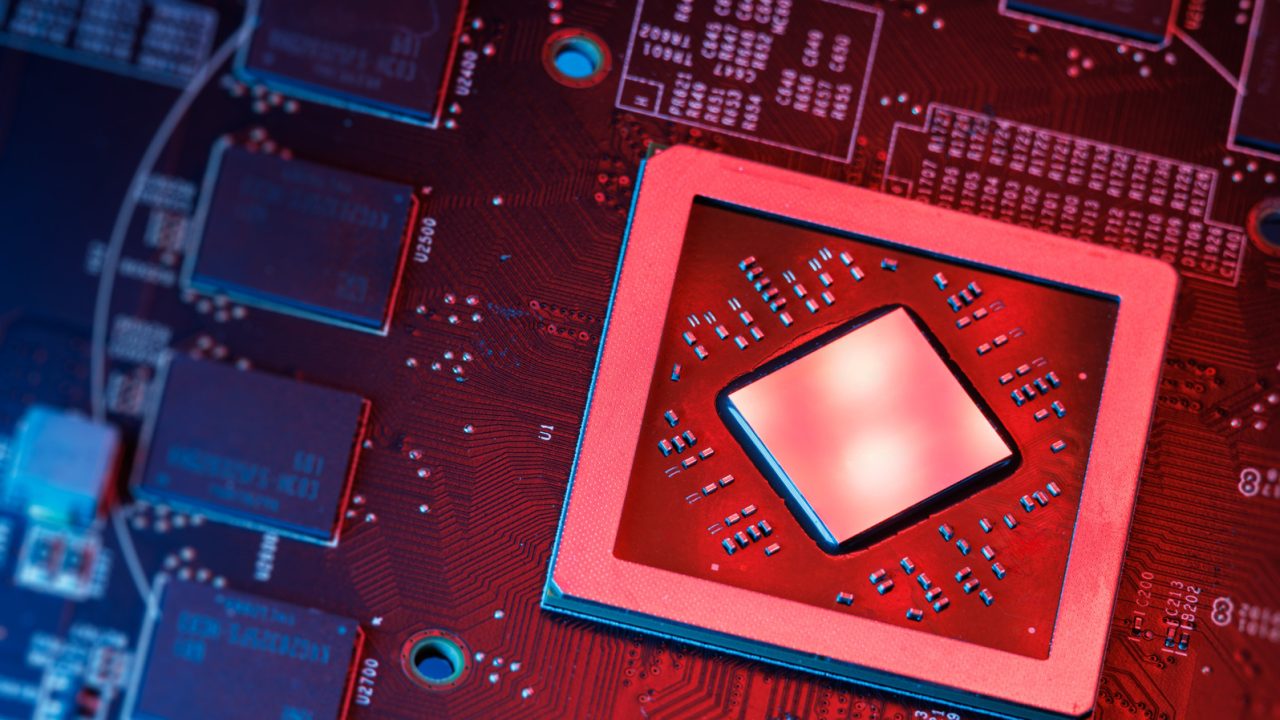
Neural Processing Units (NPUs) have become a standard feature in mid-range and premium laptops, although most users are likely not utilizing the hardware. These specialized silicon blocks are designed to handle artificial intelligence workloads with significantly lower power consumption than central processing units (CPUs) or graphics processing units (GPUs). While standard discrete graphics can consume over 100 watts for similar tasks, NPUs typically operate at approximately two watts, preserving battery life in portable devices.
The widespread inclusion of NPUs is driven less by consumer demand and more by industry certification requirements. In 2024, Microsoft mandated that laptop manufacturers integrate dedicated NPU performance of at least 40 TOPS (trillion operations per second) to maintain access to new Windows AI features. Gartner forecasts that these AI-capable PCs will account for more than half of global shipments by 2025.
The primary function of an NPU is to accelerate AI inference, which involves running trained neural network models. This process relies on matrix multiplication and nonlinear activation functions. A common example is background blur during video calls; while CPUs and GPUs can perform this task, they generate significant heat and drain battery life. NPUs execute these low-power, always-on tasks more efficiently, also supporting features like noise suppression and real-time translation. However, NPUs are not suitable for training AI models or running large local large language models (LLMs) like Llama 70B, which still require powerful discrete GPUs with substantial video memory.
Hardware manufacturers have rapidly increased NPU capabilities to exceed Microsoft’s minimum threshold. Qualcomm’s Snapdragon X Elite chips were among the first to market with 45 TOPS, followed by Intel’s Lunar Lake and AMD’s Ryzen AI 300, which offered up to 50 TOPS. Intel’s newer Core Ultra Series 3 processors also feature a 50 TOPS NPU. Most recently, Qualcomm has boosted performance to as much as 85 TOPS with the Snapdragon X2 Elite, more than doubling the certification requirement.
Despite these hardware advancements, software support remains limited. The current list of applications that leverage NPUs includes Windows Studio Effects, Live Captions, Recall, Click to Do, and noise suppression features in Teams and Zoom, alongside some Adobe Creative Cloud tools. Consequently, NPU utilization rates in Windows 11 Task Manager often register at zero for casual users. Testing shows that running local models like Mistral 7B requires specific toolkits to effectively utilize the NPU; without them, the workload shifts to the CPU, significantly impacting system performance and memory usage.
It’s funny how companies race to outperform each other just to meet a minimum.
We are essentially paying for future-proofing that may not even arrive in time.
Zero utilization in Task Manager is a dead giveaway that most users are confused.
85 TOPS is overkill for a laptop, but it does make for a great spec sheet.
I just want my laptop battery to last longer. Anything that helps with that is good.
Skeptical this will change soon. Software development is always lagging behind the actual hardware.
Two watts is impressive. I would love to use it for background blur on video calls.
I’m curious if NPU usage actually improves once major AI apps are fully released later.
It’s just marketing. Microsoft forced the certification, so companies had to add the chips.
Buying hardware for software I will never use feels like a waste of money, really.