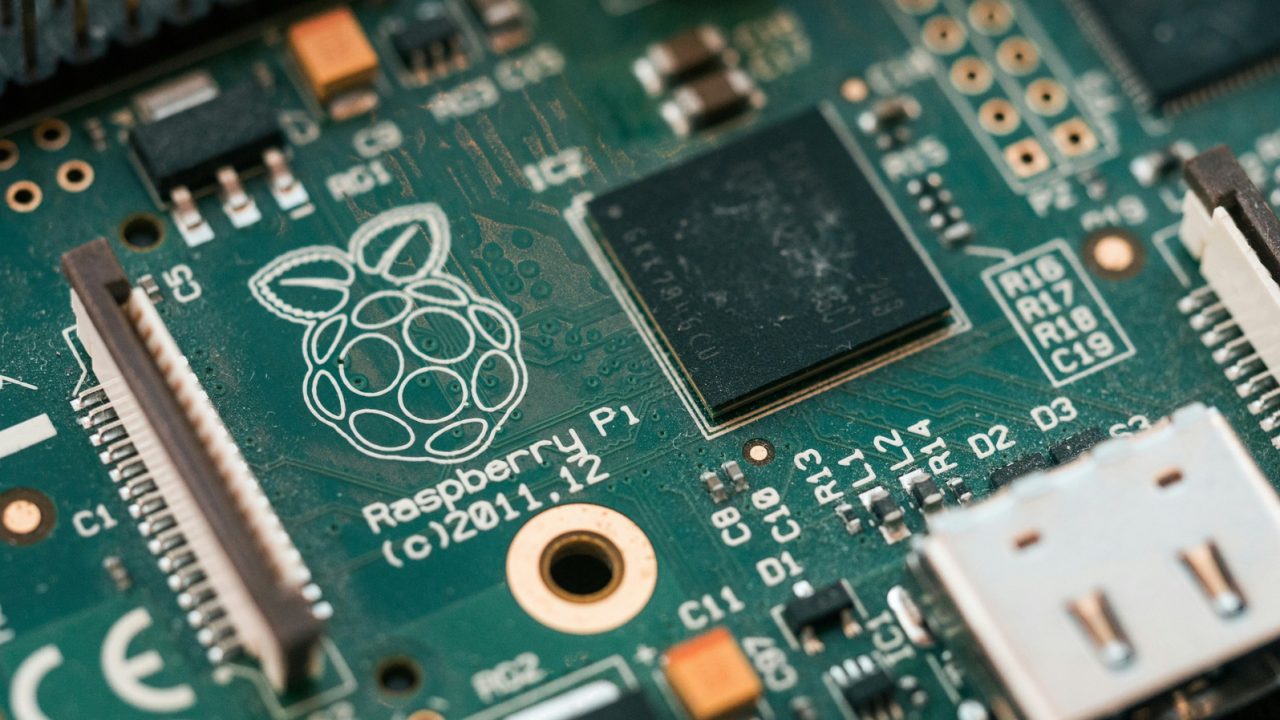
While advanced Raspberry Pi builds often fail to reach completion, several accessible projects remain ideal for beginners. These initiatives range from home network utilities to entertainment systems, offering practical value without requiring excessive patience or technical expertise.
Hardware costs have increased significantly due to global memory shortages affecting AI data centers. The Raspberry Pi 5 with 16GB of RAM now retails at $385, a substantial jump from its previous $120 price point. However, lower-memory models, such as the $45 1GB Pi 5, remain affordable and sufficient for many of the following applications.
One popular entry point is creating a network-wide ad blocker using Pi-hole. This free, open-source software blocks advertisements and trackers for all connected devices. By connecting the Pi to a router via Ethernet and configuring it as the network’s DNS server, users can eliminate ads without installing extensions on individual devices.
Enthusiasts can also build a retro game console by flashing emulation software like RetroPie, Recalbox, or Batocera onto a microSD card. While older platforms like the NES require minimal resources, running newer systems such as GameCube or Wii titles necessitates a Pi 5 with at least 4GB of RAM. The setup includes a controller, power supply, and video cable, though users must supply their own game ROMs.
For media consumption, a Pi can serve as a Kodi-powered media center. Using software like LibreELEC, the device boots into a user-friendly interface that organizes local digital libraries of movies, music, and photos. HDMI-CEC compatibility often allows users to control the system with their existing TV remote, eliminating the need for a separate controller.
The Pi can also replace the discontinued Google Chromecast Audio. By installing Raspotify for Spotify Connect or Shairport Sync for AirPlay, the device transforms standard wired speakers into wireless outputs. This audio-only function is distinct from video streaming, which remains complex to replicate due to strict copy protection on video platforms.
Modern PC gaming can be accessed from the living room using a local streaming setup. By installing Sunshine on a gaming PC and Moonlight on the Pi, users can stream their PC library to a TV or monitor. While Wi-Fi is functional, wired Ethernet connections are recommended for reliability.
Finally, the Raspberry Pi serves as an introductory computer for children. The Raspberry Pi 500, which integrates the board into a keyboard, provides a basic desktop environment for coding and web browsing. Priced at $180, this option lacks built-in parental controls, requiring careful configuration before unsupervised use.

HDMI-CEC remote support is a huge quality of life feature for living room projects.
Memory shortages are hitting everyone hard. Glad we don’t need 16GB for basic projects.
Using a Pi as a Kodi box is still surprisingly reliable and cheap compared to Roku.
Is the 1GB Pi 5 actually enough for RetroPie? I think most modern emus need more memory.
Replacing Chromecast Audio is a niche project, but great for specific home audio setups.
Pi-hole has been my lifesaver. No more ads on my smart TV or phone at all.
I built a retro console last year. Getting GameCube games running on 4GB RAM was tricky.
Streaming PC games via Moonlight sounds amazing, but does it really work smoothly over Wi-Fi?
The Pi 500 price jump is wild, but it’s still the best way to teach kids coding.
Wait, a $45 Pi is still great value. Just ignore the inflated 16GB models for now.